Designing the Input
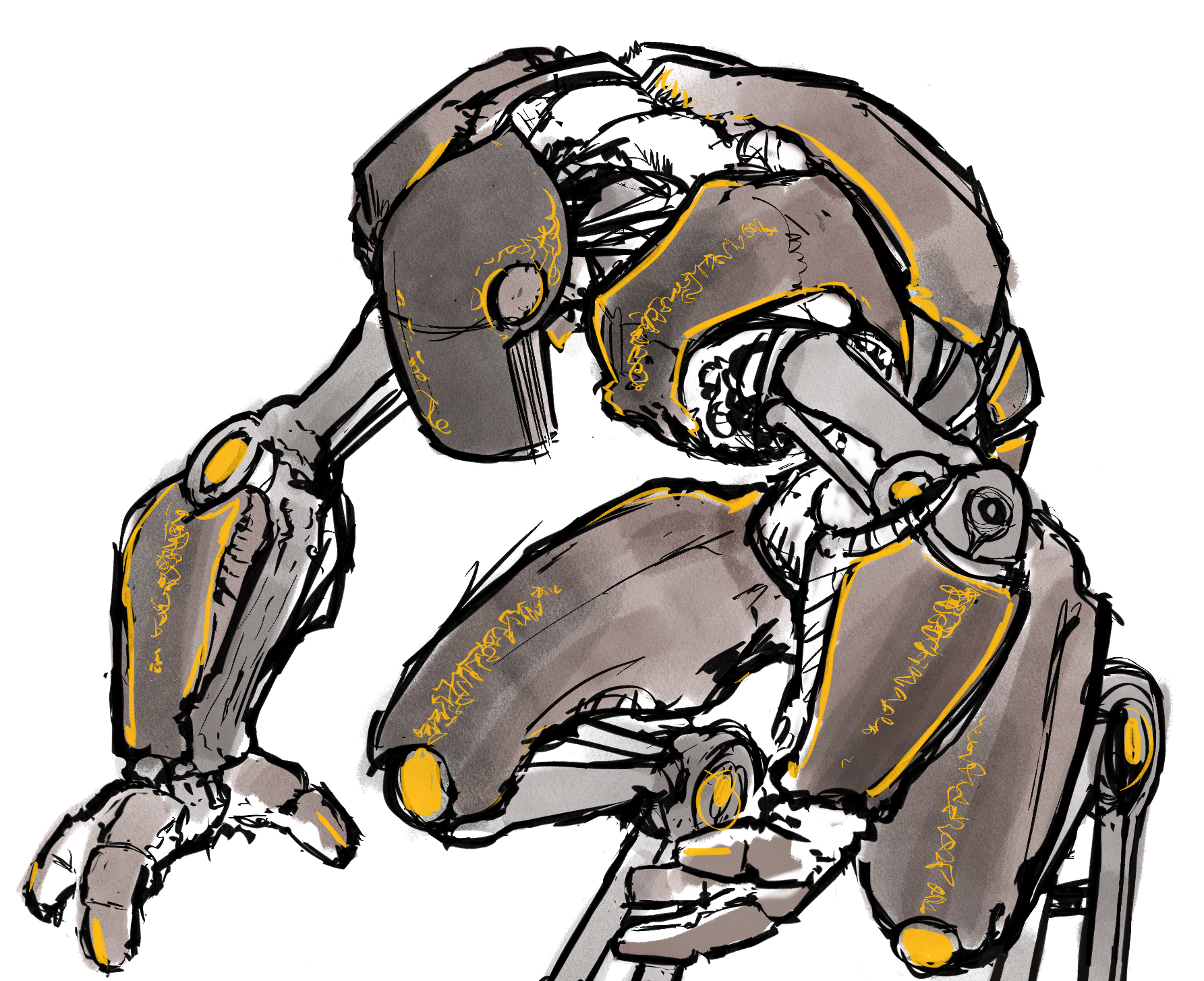
In a AI-Driven Visual Development workflow, art direction begins with carefully designed creative inputs. For this piece, I created a hand-drawn character sketch in Procreate on the iPad, using it as the foundation for AI-driven character development. This initial design establishes the key visual ideas that carry forward into concept keyframes, character exploration, and the broader visual development process.

Character Dev
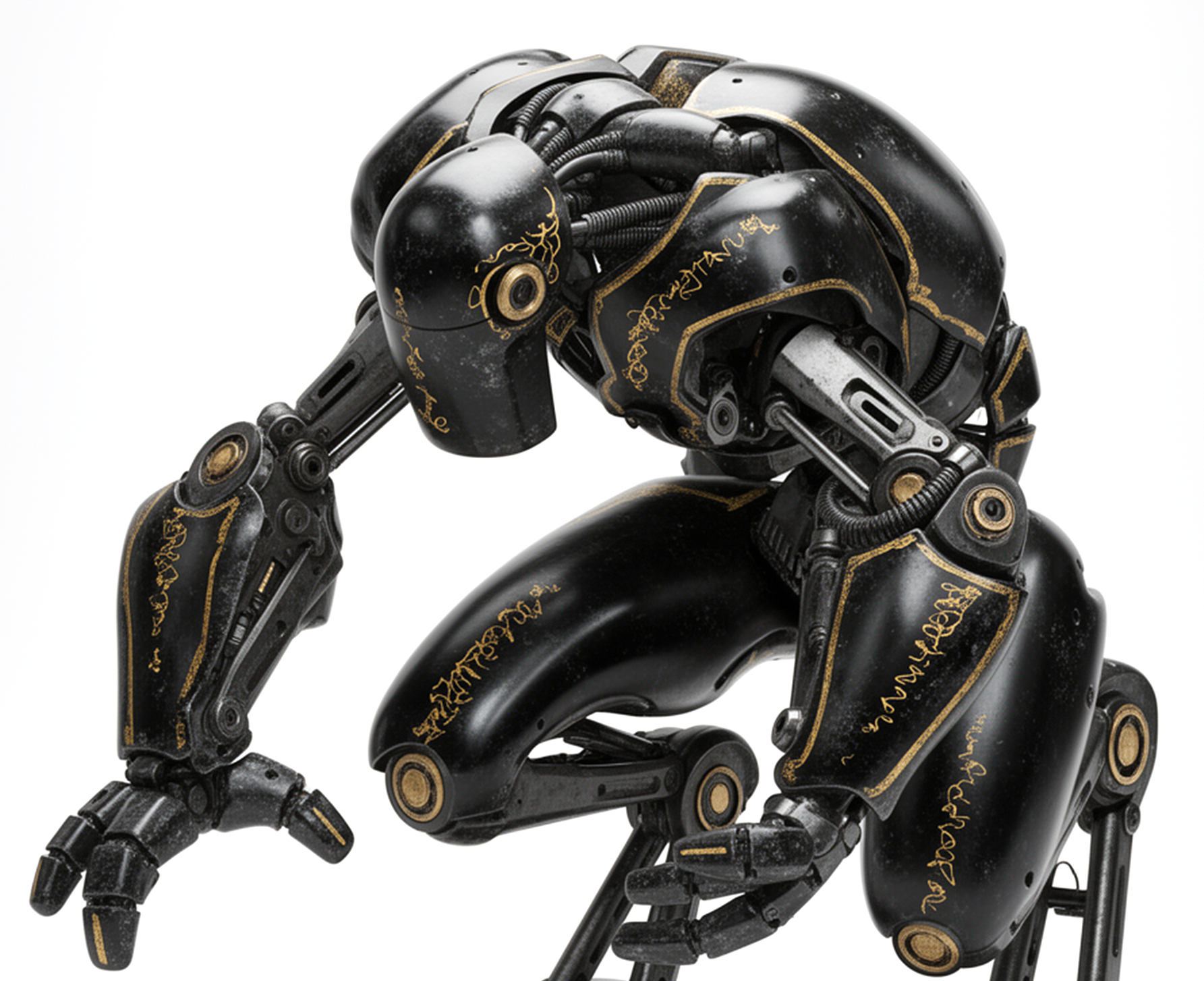
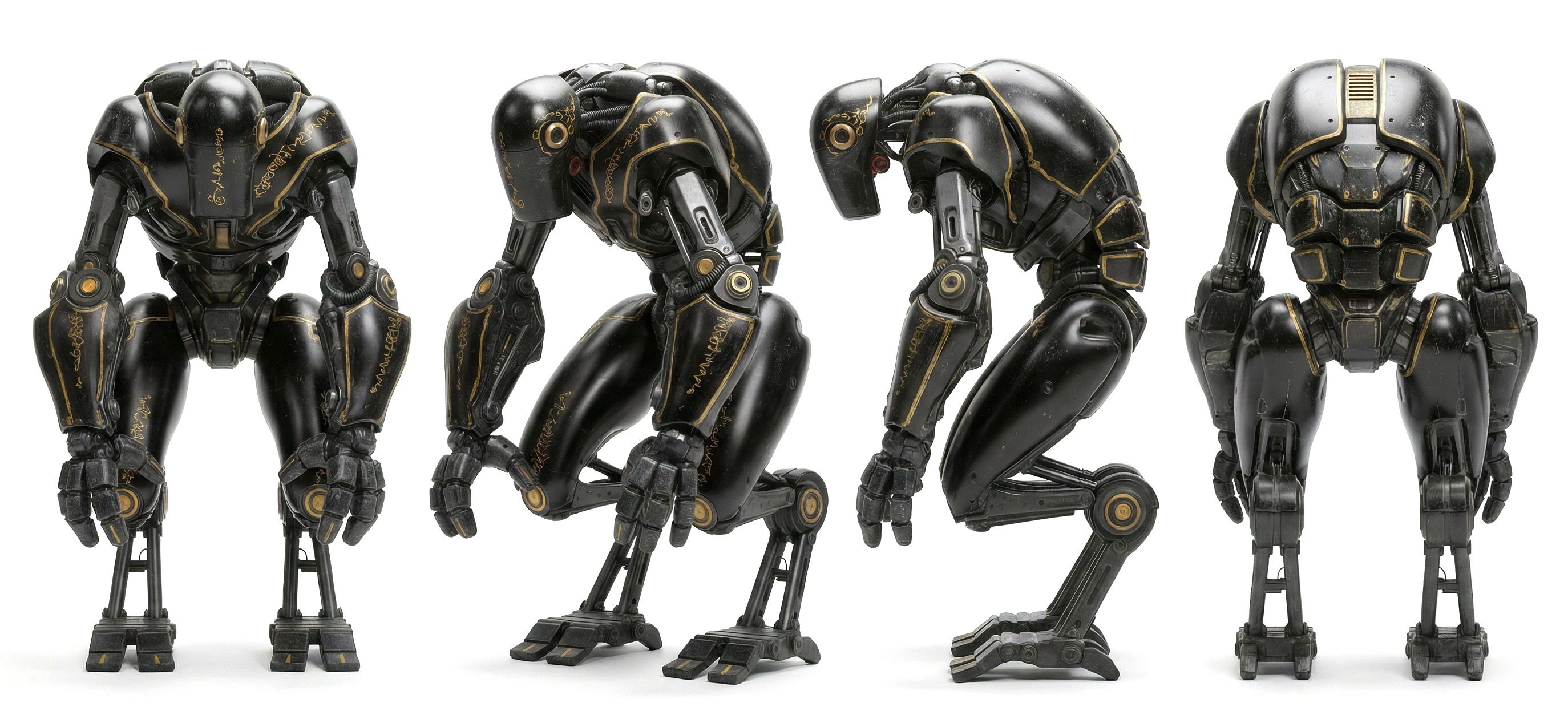
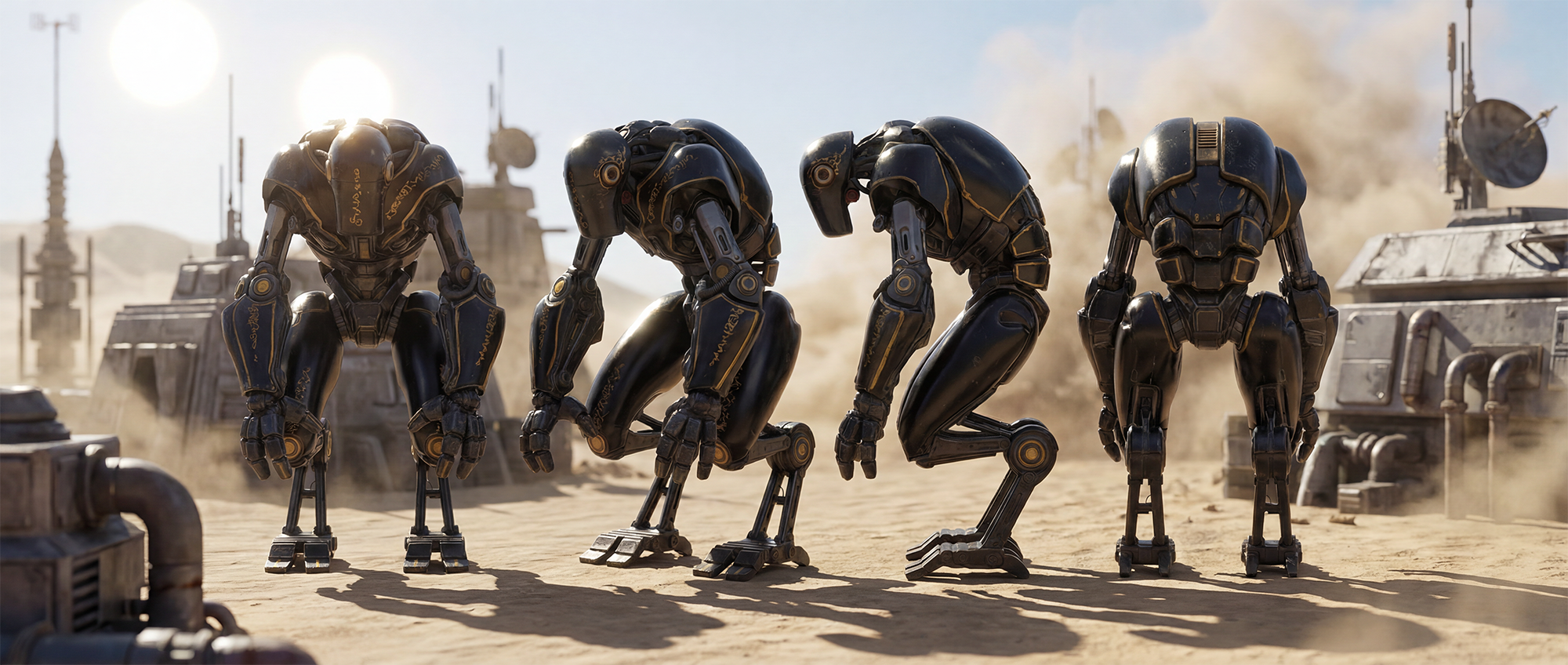
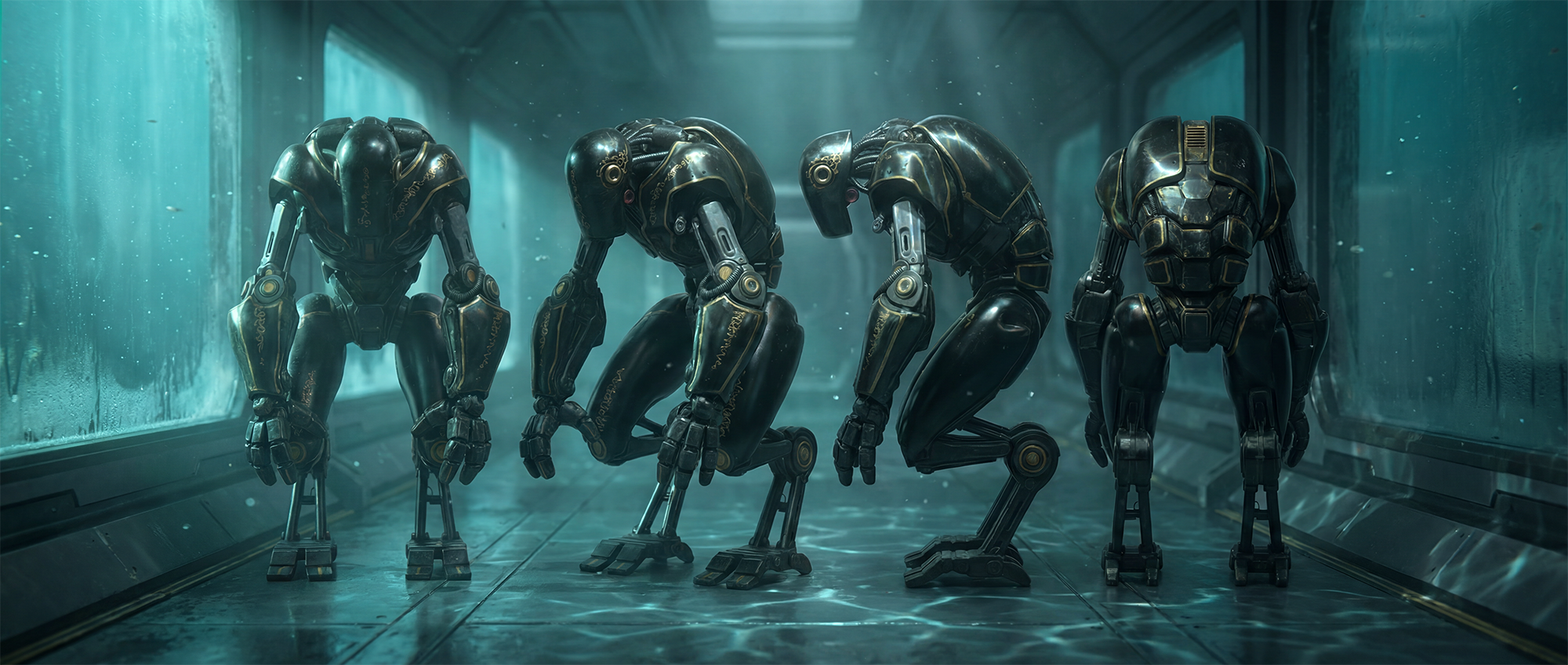
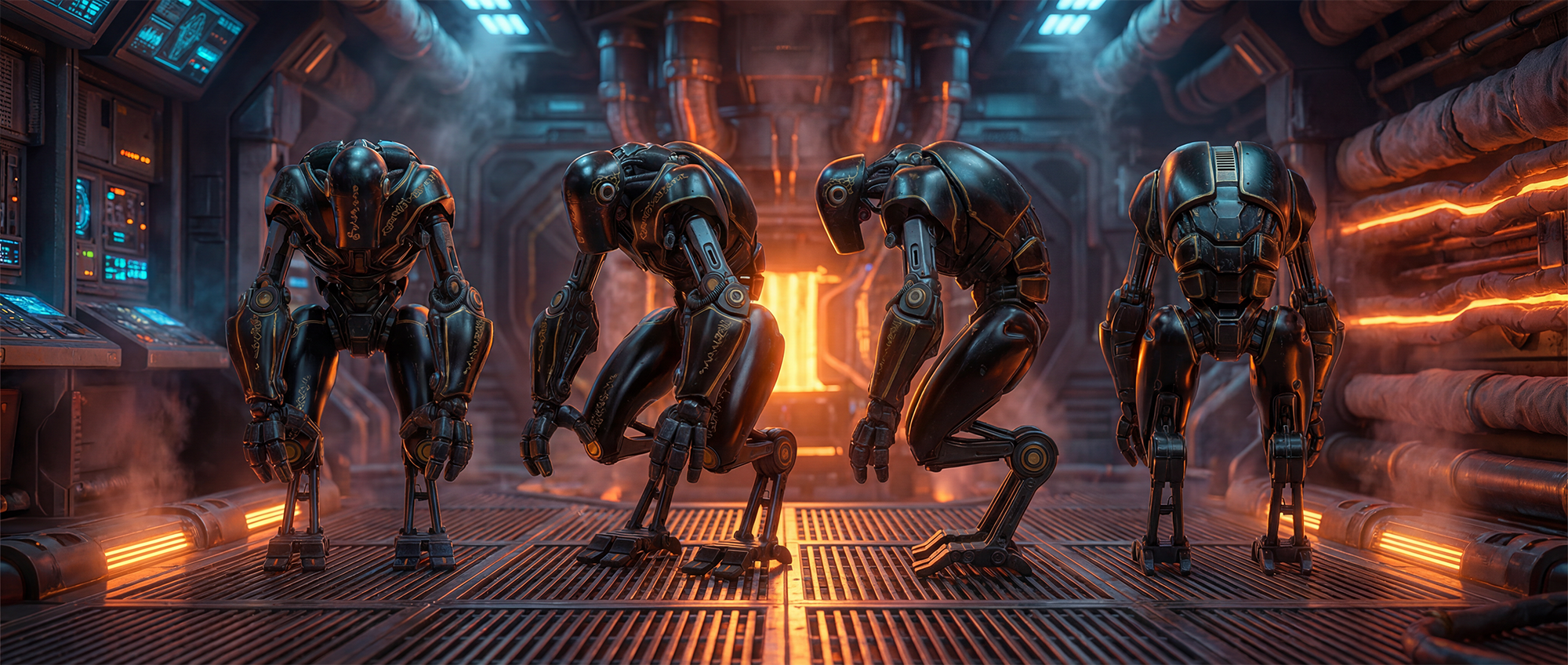
Using Black Forest Labs’ FLUX.2 diffusion model, I translated the original concept illustration into a fully rendered photoreal character design. I then used Google’s Nano Banana image-to-image model to expand the design into character sheets, including turnarounds, action poses, varied lighting conditions, and close-up details. This process quickly builds a broader visual library for the character, making it easier to refine the design and prepare it for downstream concept development.



LoRA Dev
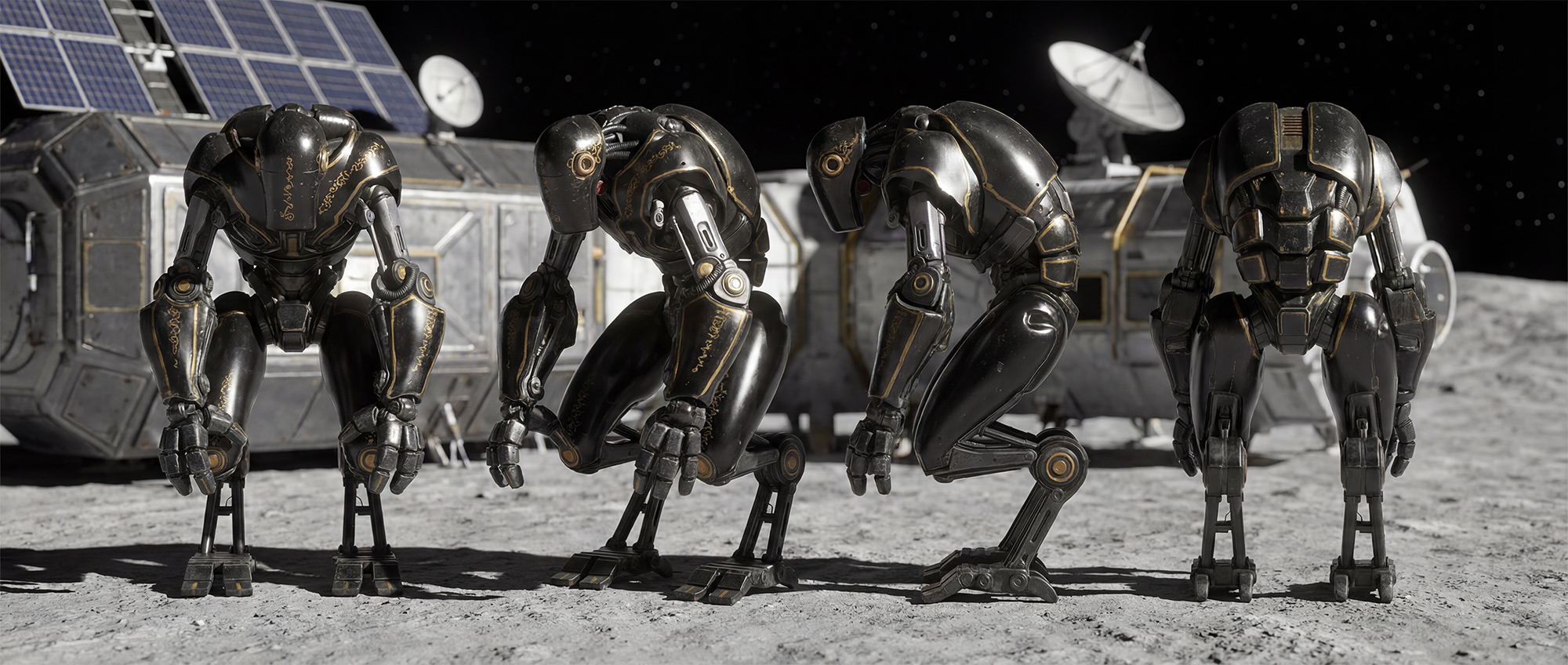
A curated dataset of 130 images was used to train the FLUX.2 LoRA in AI-Toolkit, creating a model tailored to the character’s design language. By training on turnarounds, pose variations, and lighting studies, the LoRA helps maintain consistency in appearance, proportion, and visual identity throughout the concept generation workflow.

ControlNet Character Rig
Using Microsoft’s Trellis and Hunyuan3D, I quickly generated a 3D model from reference imagery captured from multiple views. The resulting mesh was separated into articulated segments, and I built an IK rig for the character in Blender. This rig is used in layout and to generate control images that help guide concept development, making it possible to place and pose the character with greater speed, consistency, and precision.


Generative Env Assets
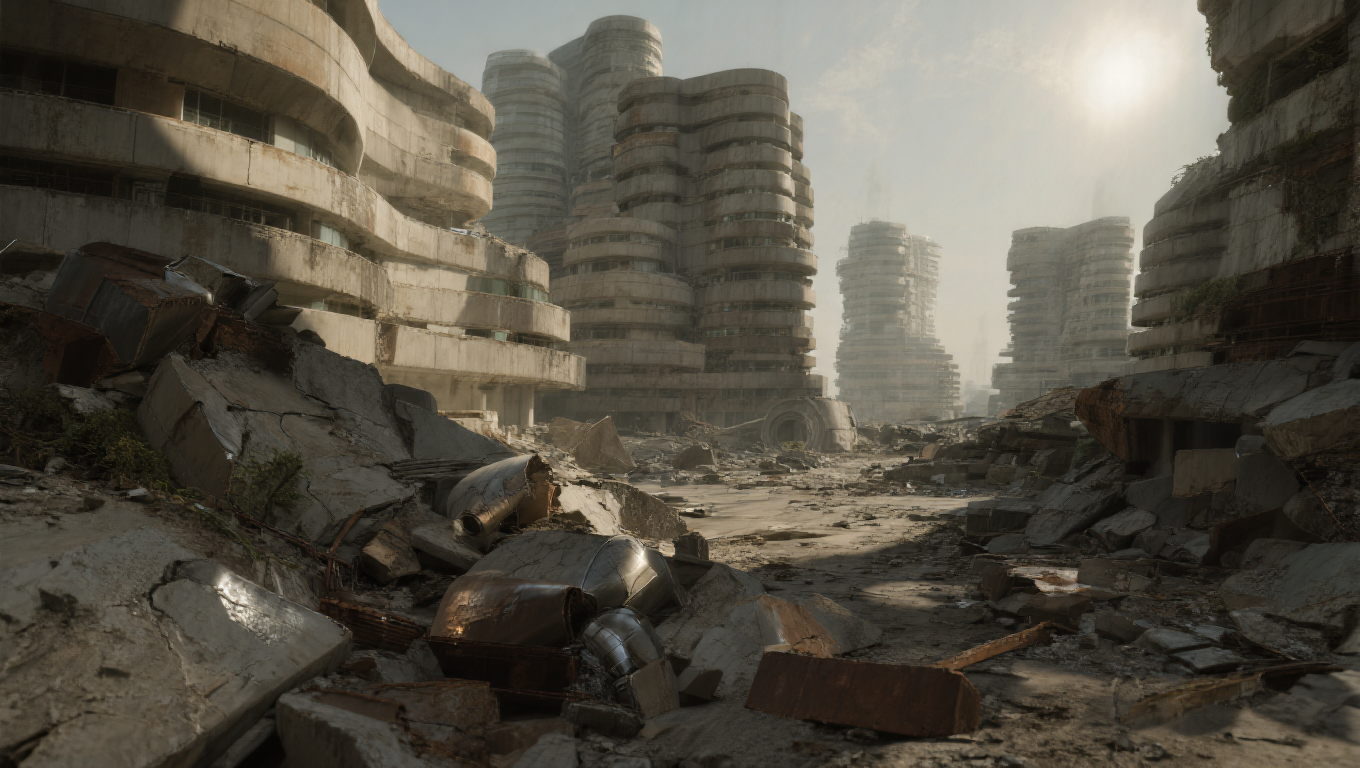
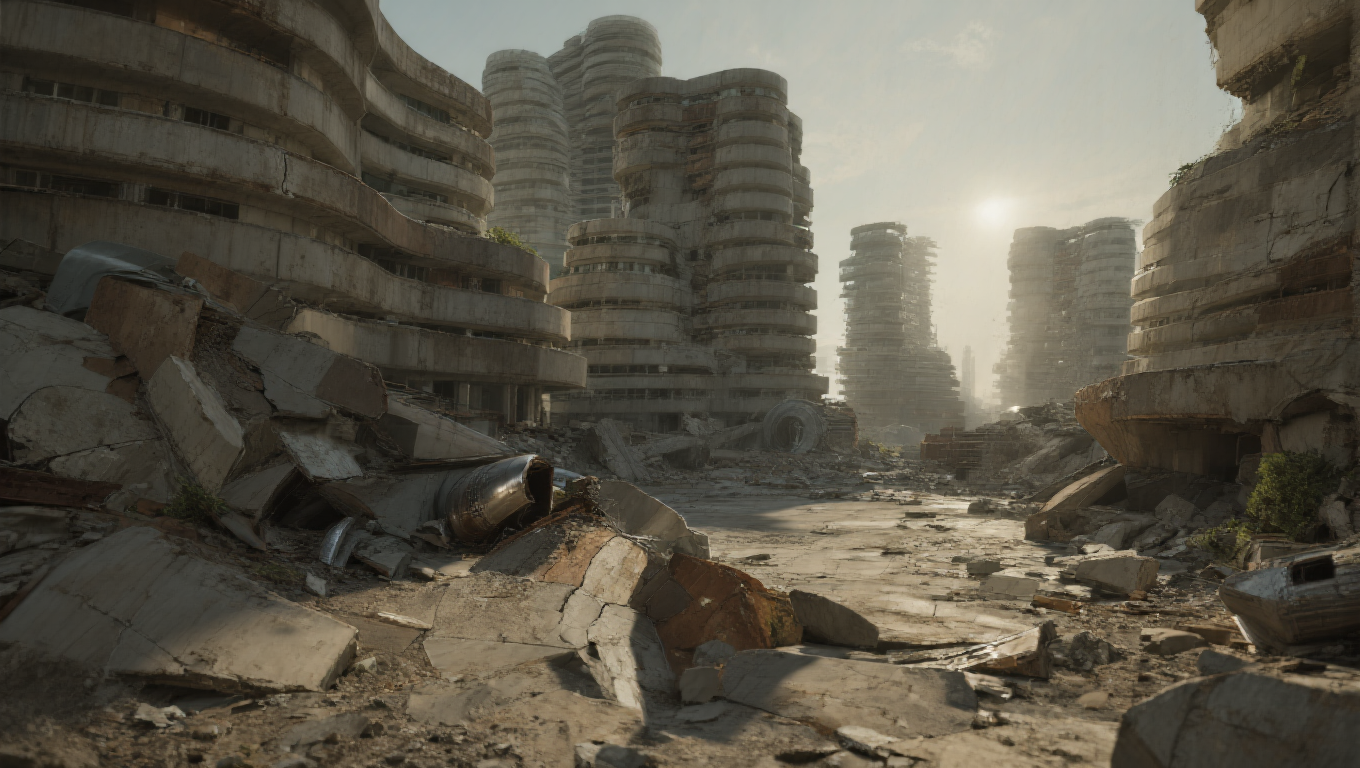
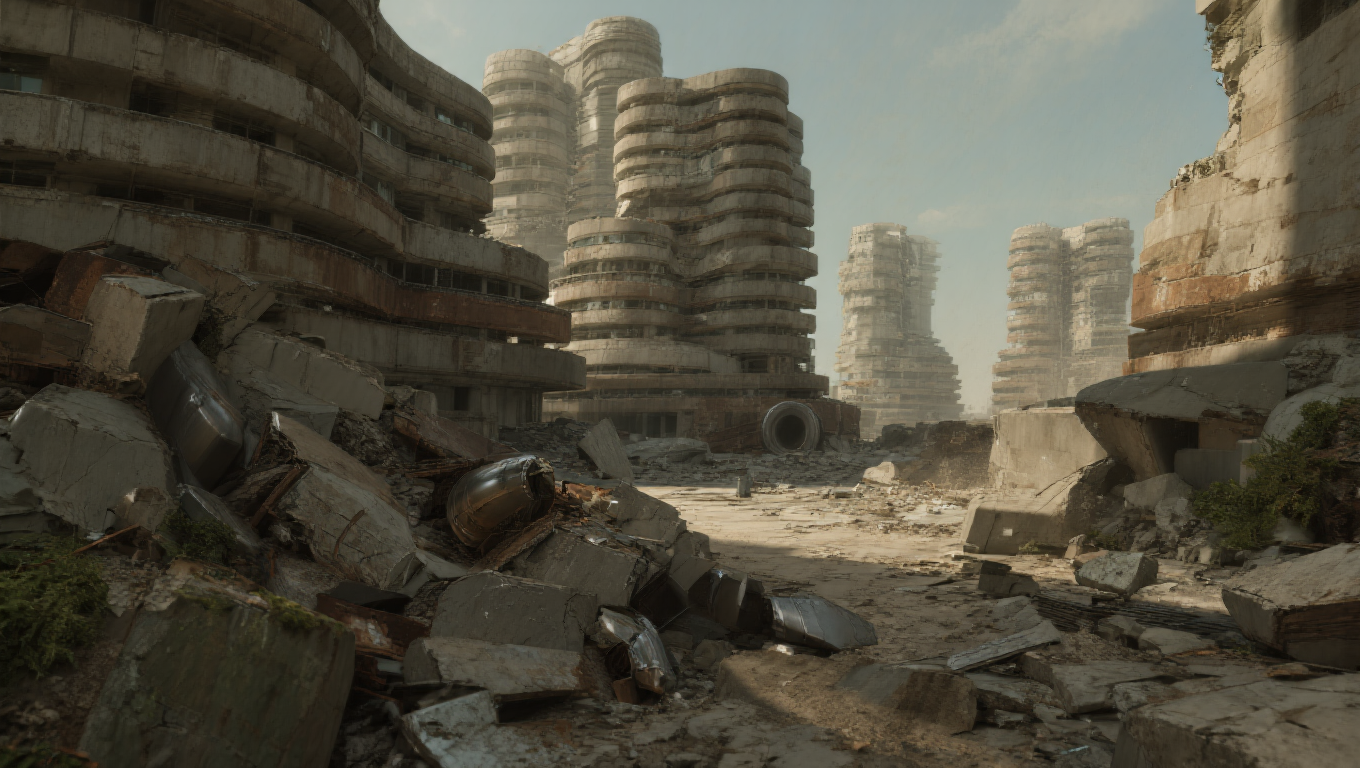
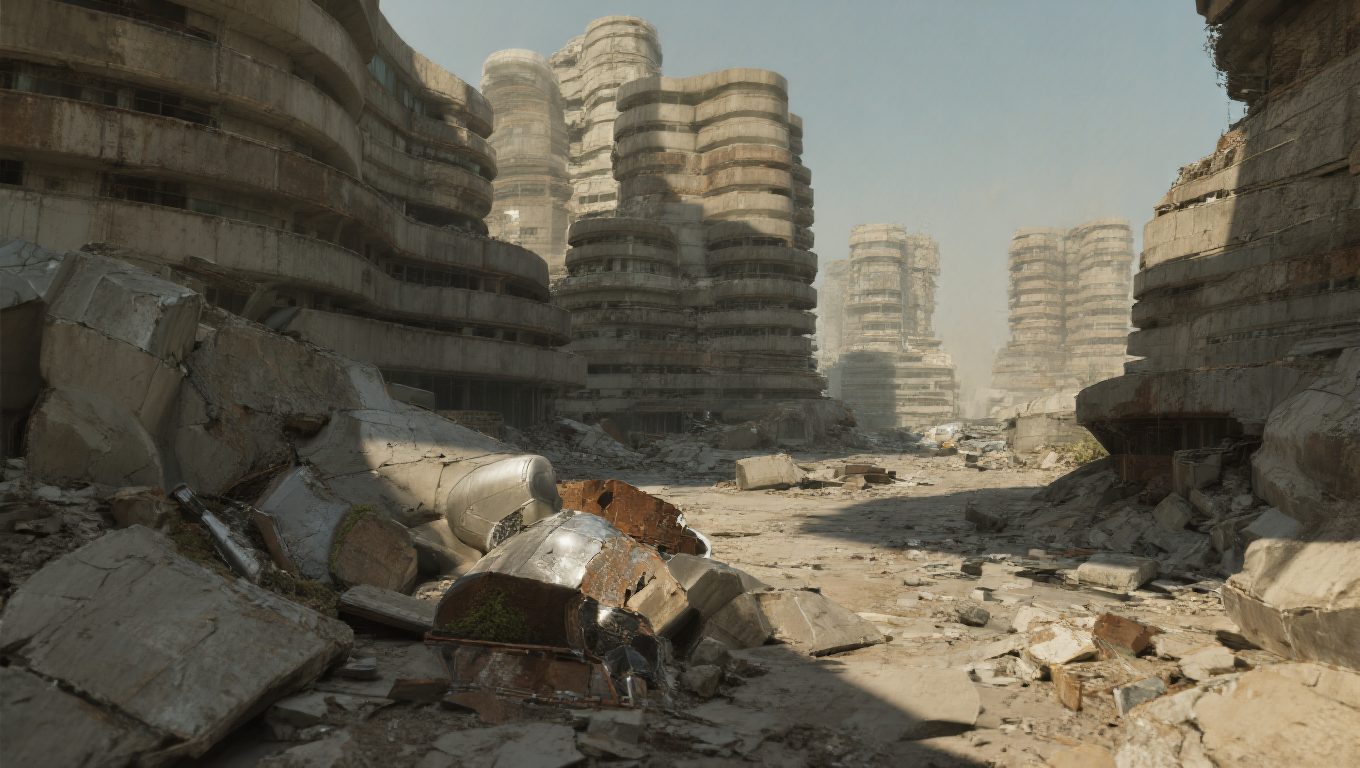
Using a Trellis image-to-mesh model alongside NVIDIA’s 3D Object Generation Blueprint, powered by Trellis and Llama 3.1 8B Instruct, I rapidly generated environment assets that could be used for scene layout and control image creation. These assets help define composition, spatial relationships, and visual direction, making it possible to move quickly from rough ideas to more developed concept imagery.


Layout Visualization
The layout is built by arranging the AI-generated environment assets, placing the rigged character, and positioning the cameras within a Blender scene. This setup creates a flexible visualization framework where any layout frame can be turned into a rendered concept keyframe using control images. By using layout as the foundation for concept generation, the workflow allows for faster iteration and a more direct path from staging to final visual development imagery.

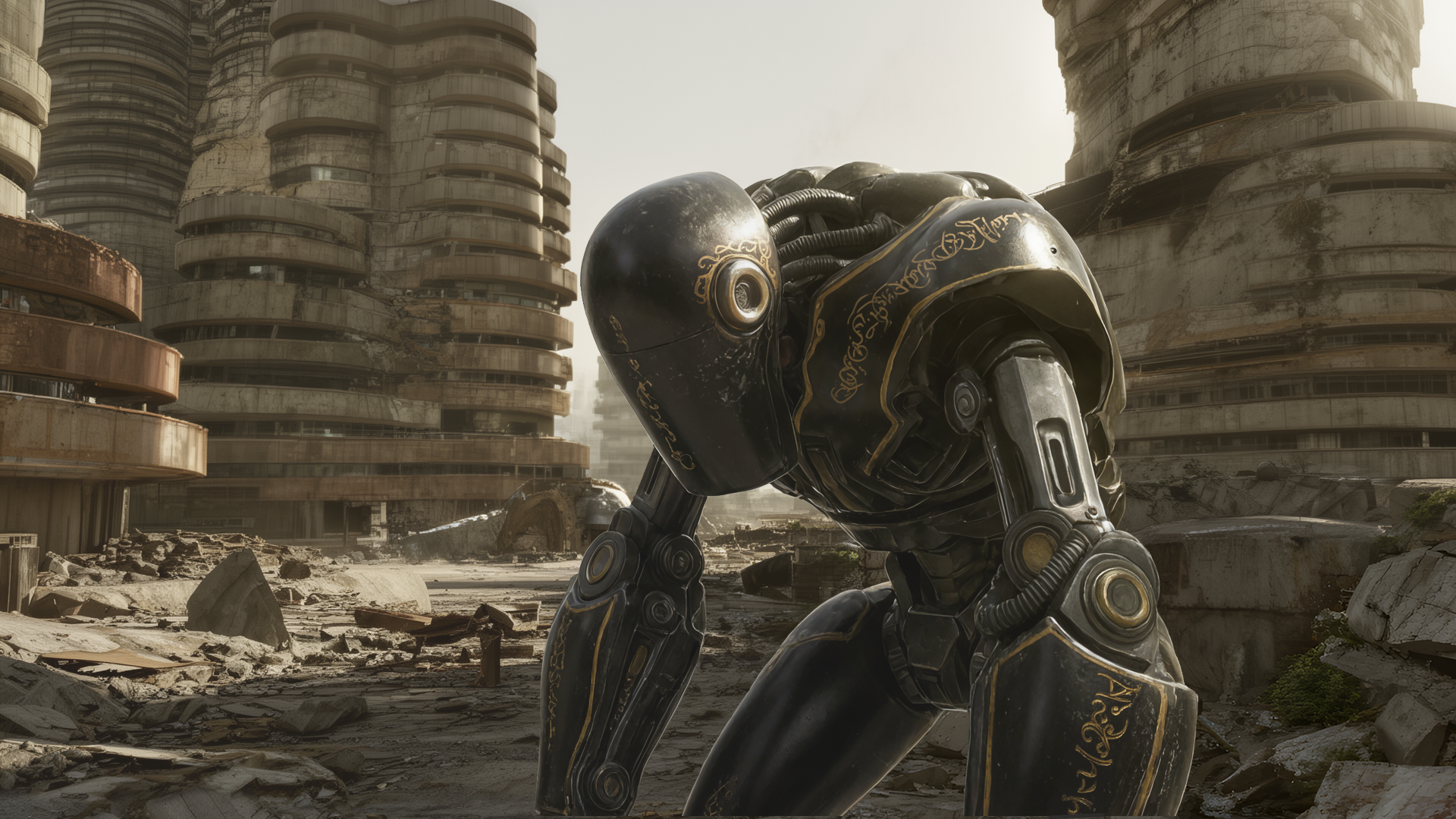

Concept Keyframe Generation
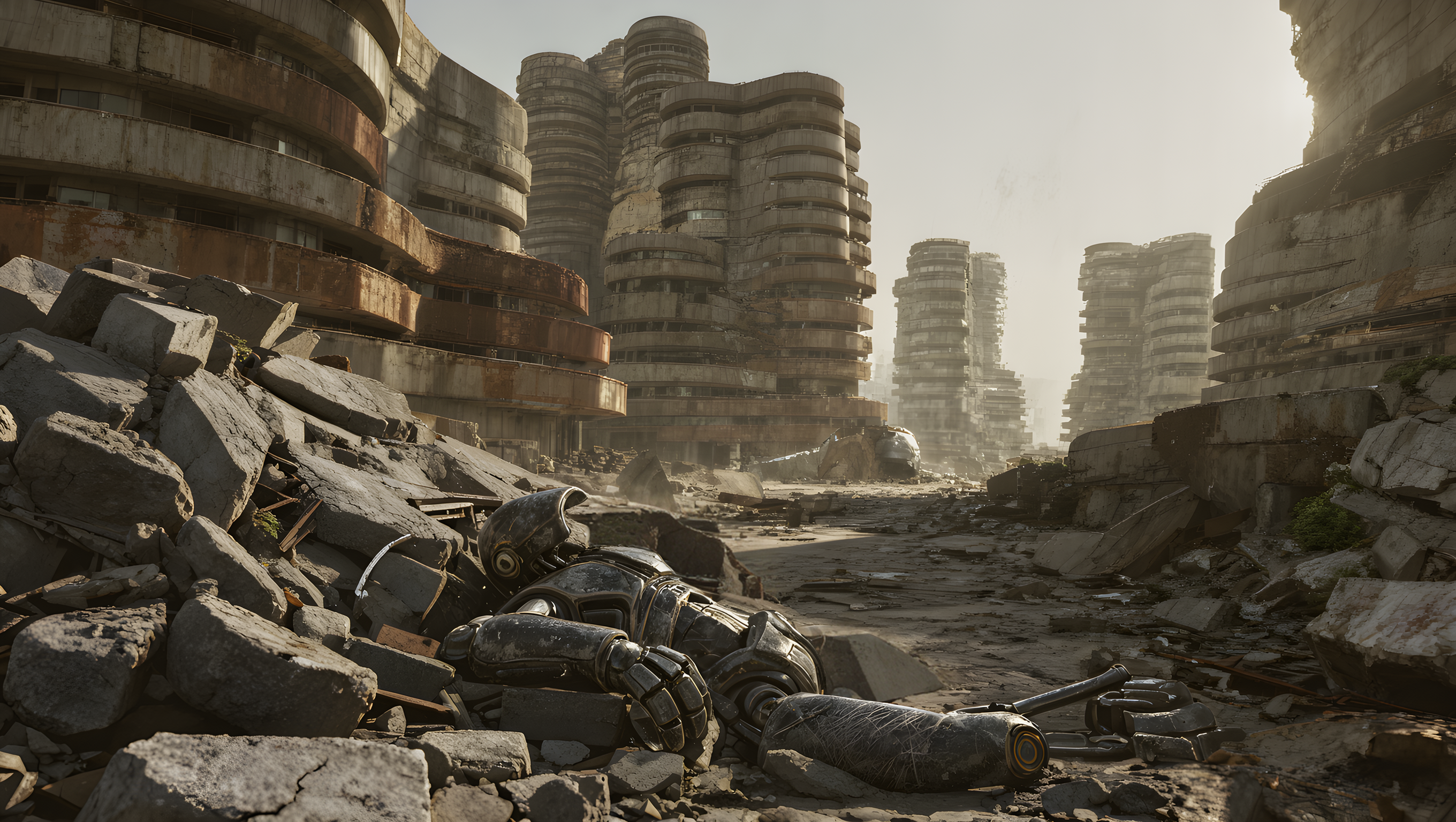
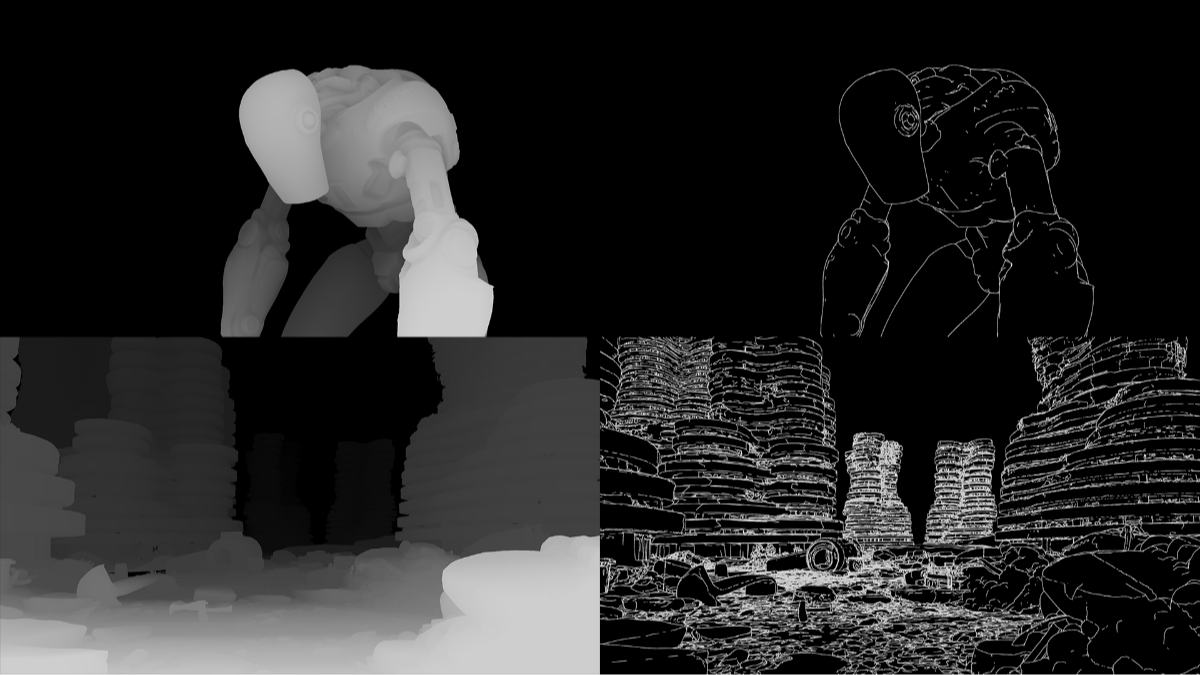
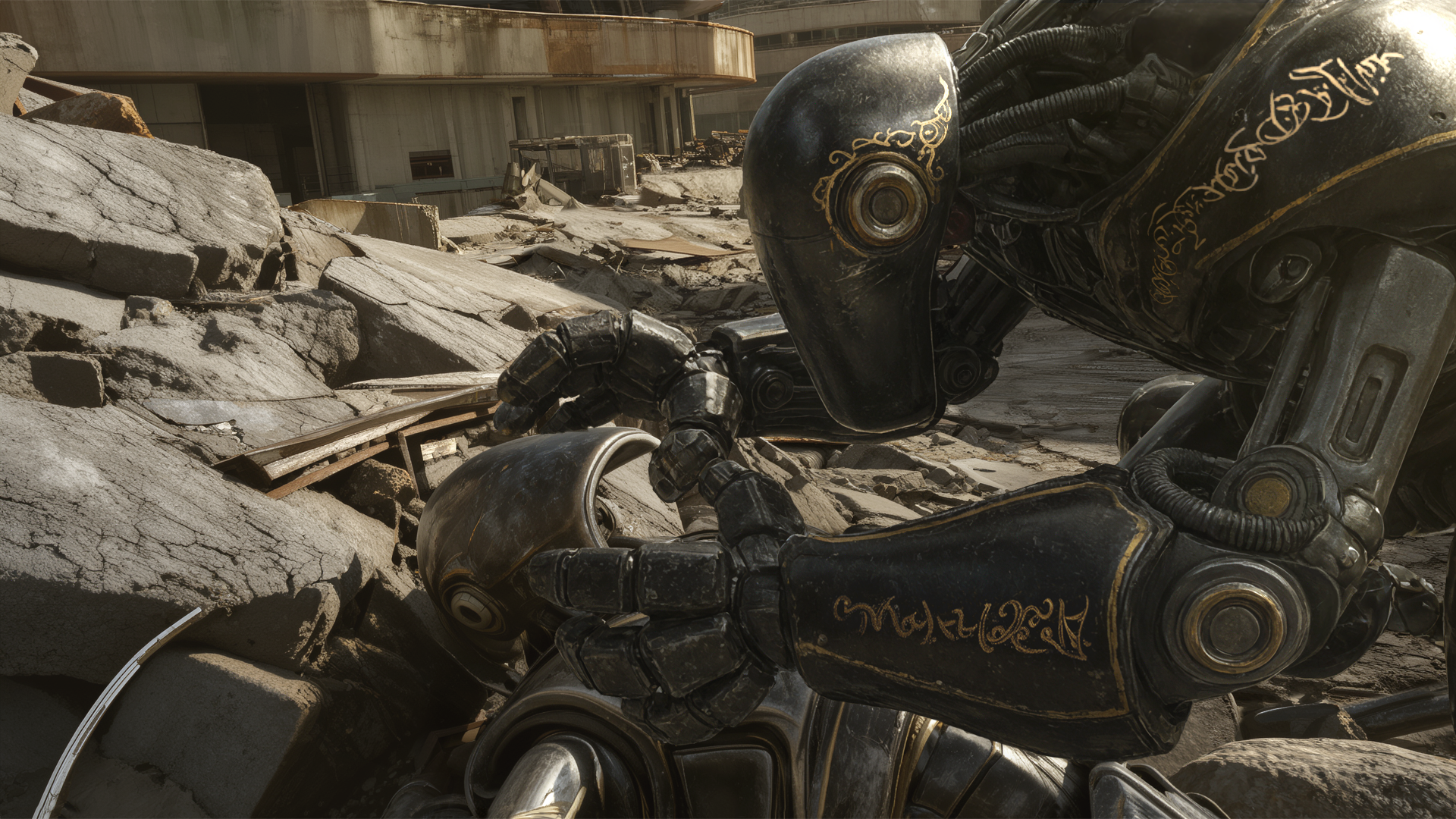
Using the trained character LoRA, prompts, ControlNets, and inpainting techniques with FLUX.2 in ComfyUI, I generated an overscan master scene image that established the look of the sequence and drove visual consistency throughout the concept development process. Depth and canny control renders from Blender were used to define the placement of the environment and character, providing a strong compositional guide for the generation. From this foundation, layout frames could then be quickly transformed into polished concept keyframes that supported the client’s vision.
